


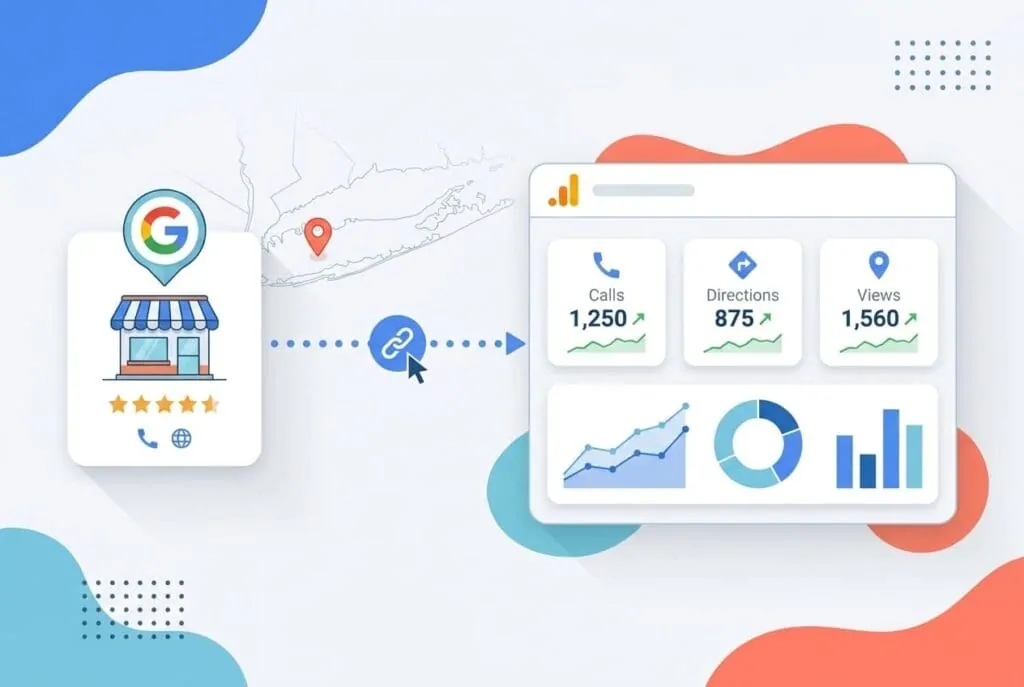
Google Analytics 4 can now pull data directly from your Google Business Profile-no manual UTM tagging, no toggling between dashboards. The integration shows how many people called you, asked for directions, or booked an appointment straight from your listing, all inside the same report you use to track website traffic. For a Long Island business, where a phone call often closes faster than a form fill, that is a big deal.
For the first time, your Analytics dashboard can answer: How many people called me from my Business Profile this week?
Why It Matters
Local businesses have been flying half-blind. You could see website clicks if you added UTMs to your Business Profile link, but every call, every direction request, every message sent from the listing? Completely invisible to Analytics. For a service-area business-think an electrician serving Suffolk County, a restaurant in Huntington, or a dentist in Garden City-those off-site actions are often the most valuable conversion signals. A person who opens your website might be browsing. A person who taps “Call” from the local pack is ready to buy.
The gap forced owners to either ignore those signals or manually pull exports from the Google Business Profile dashboard and guess how they related to on-site behavior. The new native link inside GA4 finally closes that gap, giving you a single place to connect the dots between your local listing presence and everything else your customers do afterwards.
What's New / How It Works
Google officially documented a product link between Google Business Profile and GA4. In plain English: once you connect the two accounts, a dedicated Business Profile reporting section appears inside your standard Analytics reports. You get seven interaction types: total interactions, website clicks, calls, directions, messages, bookings, and menu views-all sitting right next to your usual behavior metrics like page views and sessions.
Connecting the accounts is a two-minute process, provided you have the right permissions:
- Open your GA4 property, go to Admin, then Product links, and choose Google Business Profile links.
- Click Link, select the profile you want to connect, and confirm.
- You need Editor or Administrator access on the GA4 property and Owner or Manager permission on the Business Profile.
Once linked, Analytics starts pulling GBP data automatically. It shows all seven metrics regardless of your business type-unlike the native GBP dashboard, which only surfaces metrics relevant to your category. That means you may see a row for “menu” even if you run a law firm; it just sits there empty. The upside is you never miss an action that is actually happening.
The Numbers
Here are the seven interaction metrics that appear in GA4 after linking your Business Profile:
- Total interactions
- Website clicks
- Calls (including mobile click-to-call)
- Direction requests
- Messages from the listing
- Bookings (for businesses using booking integrations)
- Menu views (for restaurants)
As Google’s own support documentation puts it:
“You can now see interactions from your Business Profile in Analytics, including website clicks, calls, directions, messages, bookings, and menu views.” - Google Analytics Help
Those actions previously lived entirely outside what Analytics could record. Now they show up next to your traffic sources, letting you compare, say, calls driven by your Business Profile to form fills from organic search-all in one screen.
What Comes Next
The integration has clear limits that matter for multi-location brands and agencies. If you link more than one Business Profile, GA4 aggregates all metrics into a single dataset. There is no way to filter or segment by individual location-no per-store call volume, no direction requests broken out by branch. The metrics also cannot be used in Explorations, comparisons, or custom reports inside GA4. And GA4 only retains GBP data for six months; reports won’t surface anything older, even if your date range goes further back.
For now, single-location businesses get the most benefit-they stop toggling between two dashboards. Multi-location operators still need the GBP dashboard, exports, and the Performance API for granular location-level analysis. The GA4 view is a supplement, not a replacement.
The feature may not yet be visible in every account; it appears to be rolling out in phases. If you don’t see the option, check again in a few weeks. Google’s support article is the definitive source for availability and detailed permission requirements.
What This Means for You
If you’re a Long Island business owner-even a single-location shop-this is the nudge to start using GA4 as your local command center. Linking your profile takes very little time, and the payoff is immediate clarity on how your Google Business Profile is actually performing. Did the weekend Drive Direction spike turn into Monday walk-ins? Do calls peak when you post a Google update? You can now answer those questions without leaving Analytics.
To get the most from this, make sure your Google Business Profile is fully optimized-accurate categories, complete service list, consistent NAP, high-quality photos-because the listing itself is what generates those actions. Our local SEO services help Nassau and Suffolk businesses fine-tune every element of the profile so those visible interactions turn into revenue. And if you’re not yet tracking your overall visibility beyond Google, run a free scan with BizScoreAI to see how AI assistants like ChatGPT, Gemini, and Perplexity recommend your business-another channel where calls and directions are invisible unless you’re measuring it.
The shift to zero-click search we covered recently makes this even more urgent. When 68% of Google searches end without a click, the actions taken directly on your listing-calls, directions, bookings-become the main conversion event. (If you missed that piece, Zero-Click Searches Surge to 68%-What Long Island Owners Must Do Now walks you through the strategy.)
Meanwhile, consistency across platforms matters. Keep your social profiles active and your messaging aligned so that when someone discovers you on the local pack and checks your social proof, the experience matches across platforms. Feedsta, an AI social media manager, automates that consistency for local businesses. And if you want help making sense of your new GA4 reports or linking your profiles the right way, reach out through our contact page.
The Bigger Picture
Google is steadily tying its products together so that measurement doesn’t rely on a web of UTMs and spreadsheets. Search Console, Google Ads, and now Google Business Profile all feed first-party signals into GA4. For local businesses, that means the tools to understand every step of the customer journey are finally in one place-no “big tech” secret needed. The Long Island owners who plug these pieces together today will have a measurement advantage that their competitors won’t even notice they’re missing.
Frequently Asked Questions
What Google Business Profile metrics does GA4 show?
How do I connect my Google Business Profile to GA4?
Can I see location-level data for multiple business profiles in GA4?
Is the GA4 Business Profile integration available to everyone?
How long is Google Business Profile data retained inside GA4?
Do I still need UTM parameters on my Business Profile website link?
Sources
- Google Analytics Help - Link Google Business Profile to Analytics
Want help with this in Myrtle Beach or Long Island? Talk to us.
NewSunSEO
Grow in Google and AI Search
AI-SEO, local search, paid ads and websites from one team, with offices on Long Island and in Myrtle Beach.
- AI-SEO
- Local AI-SEO
- AI Consulting
- PPC
- Web Design
- Web Development
- Long Island Office(631) 320-1700
- Myrtle Beach Office(843) 492-7131
Request a Free Proposal
Tell us about your business and where you want to grow.
We will reply by email to talk through your goals and what a proposal would include.
We use your details only to reply to you and send what you asked for. See our Privacy Policy.

